
Last Updated: | Author: Munir Ardi
People with disabilities may receive free computers, adaptive equipment, or help paying for technology through specific programs. Start with state vocational rehabilitation if the equipment supports an employment goal, iCanConnect if you have significant combined hearing and vision loss, or your state assistive technology program if you need to try equipment or find local reuse options. A disability diagnosis or SSI/SSDI award does not automatically guarantee a free laptop.
The right solution may include a standard computer, screen reader, alternative keyboard, eye-gaze system, communication app, mounting hardware, and training. Describe what you need to do and what prevents you from doing it; the most expensive device is not necessarily the best fit.
For the broader overview, see our guide to government-related laptop assistance. Internet-service assistance and computer funding are separate: do not treat a phone or broadband benefit as an automatic laptop award.
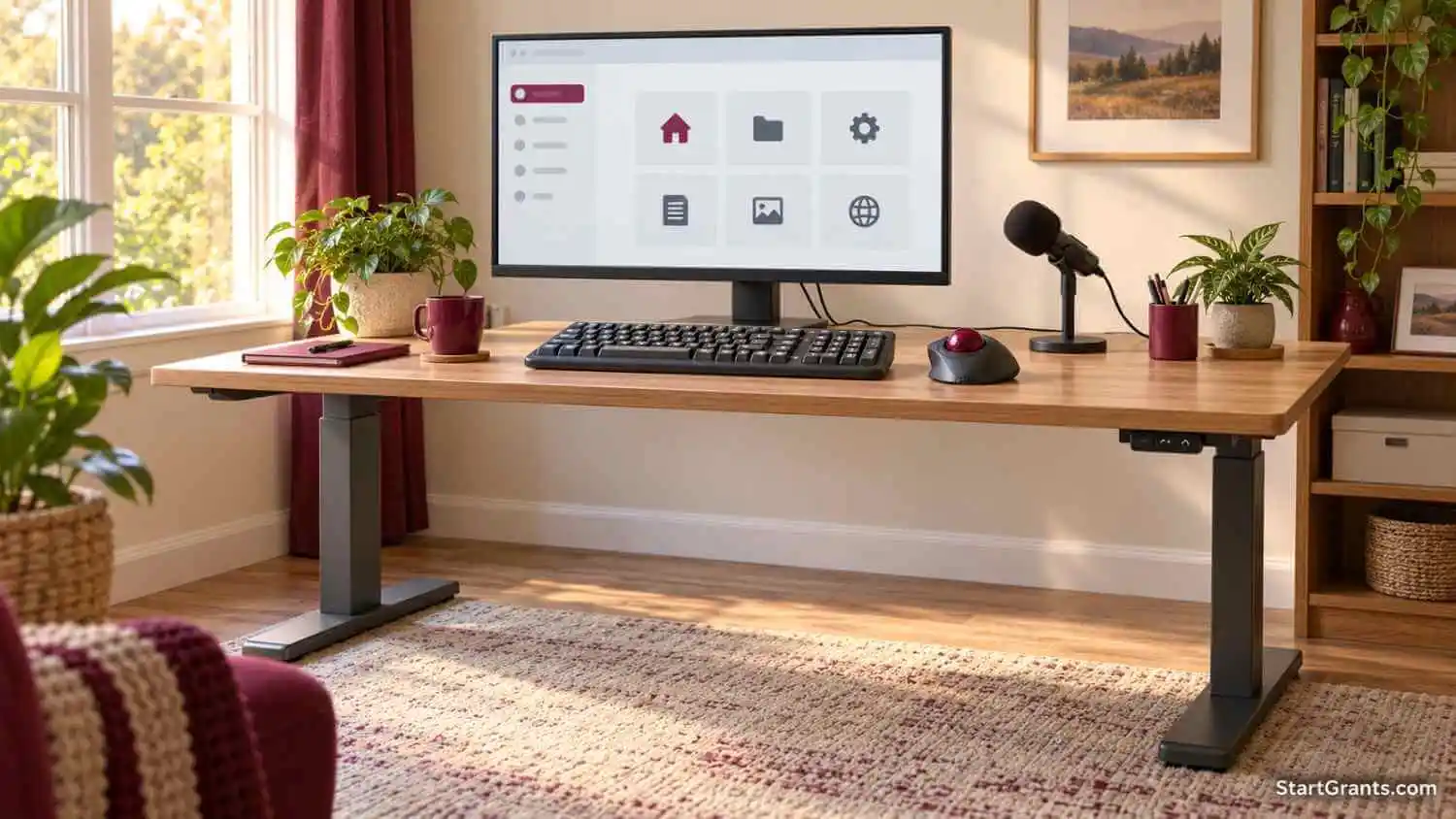
Choose the Right Computer Assistance Route
| Your main need | Where to start | Type of assistance |
|---|---|---|
| A computer or adaptive tools for employment | State vocational rehabilitation (VR) | Individualized services; equipment must support an approved employment plan |
| Significant combined hearing and vision loss | iCanConnect | Free communication equipment and training for eligible applicants |
| Trying an unfamiliar device or finding reused equipment | State Assistive Technology Act program | Demonstrations, device loans, reuse, or financing; terms vary |
| A refurbished computer for blindness or low vision | Computers for the Blind | Low-cost purchase; ask about discounts and software renewal costs |
| A medically necessary communication device | Health plan and speech-language pathologist | Insurance coverage, subject to clinical and plan requirements |
| Money set aside for a work goal | SSA-approved PASS | An SSI work incentive, not a computer giveaway or loan |
Program information was checked on October 14, 2026. Availability, eligibility, prices, device ownership, and application requirements can change. Confirm details with the provider before buying or submitting records.
State Vocational Rehabilitation: Technology for an Employment Goal
State vocational rehabilitation agencies help eligible people with disabilities prepare for, obtain, retain, advance in, or regain employment. Physical and mental impairments may qualify when they create a substantial employment barrier and VR services are needed. A particular diagnosis alone does not establish eligibility or entitle you to equipment.
The Rehabilitation Act’s eligibility and employment-plan provisions include assistive technology within individualized services when needed for the employment outcome. Your state determines what services and equipment it can approve under its policies.
How to Request a Computer Through VR
- Apply to your state’s agency. Use the Rehabilitation Services Administration’s state agency directory to identify the appropriate office. Some states have a separate agency serving people who are blind. Ask for an accessible application method if needed.
- Explain the employment barrier. Describe the work or training tasks involved and why your current equipment does not let you complete them. Ask what disability or benefit documentation is needed.
- Request an assessment. Discuss software compatibility, input method, positioning, fatigue, vision, hearing, and training needs. Explain why portability or a particular specification is necessary.
- Develop the Individualized Plan for Employment. The IPE should identify the agreed employment outcome, necessary services, provider arrangements, and responsibilities. Ask how the computer and adaptive tools will be documented.
- Get authorization before purchasing. Confirm the approved equipment, purchasing process, ownership, repair support, and any contribution required. Do not assume an earlier purchase will be reimbursed.
VR does not promise a new MacBook, a particular brand, or unlimited spending. There may be waiting lists or service priorities. Applicants receiving SSI or SSDI because of disability or blindness have a presumption of eligibility under VR rules, but still need the application and employment-planning process. For example, Florida’s VR eligibility policy expressly distinguishes this presumption from entitlement to services.
iCanConnect: Free Communication Technology for Deafblind Applicants
iCanConnect, the National Deaf-Blind Equipment Distribution Program, serves people with significant combined hearing and vision loss who meet its federal criteria. Hearing loss alone or vision loss alone does not satisfy the program’s combined-disability requirement.
Household income must be at or below 400% of the Federal Poverty Guidelines, or applicants must provide qualifying benefit documentation under the program’s rules. Use the current household-size and location chart rather than an old dollar threshold.
Contact the state or territory program, obtain its application, and submit the requested income evidence and professional disability attestation. The official instructions recognize several types of professionals, including educators, service providers, and VR counselors; a private physician is not the only possible attestor.
The program’s equipment and training FAQ describes accessible computers, tablets, smartphones, Braille displays, and software selected for communication needs. Assessment, setup, and individualized equipment training may be provided. Do not assume it includes general computer-skills instruction or any device you request.
State Assistive Technology Programs: Try Equipment Before Committing
The Administration for Community Living’s assistive technology program supports state activities such as device demonstrations, short-term device loans, reuse, and financing. Use the AT3 Center’s state Assistive Technology Act program directory to find your local program.
A demonstration or trial can help you compare a trackball, switch, alternative keyboard, communication app, or eye-gaze device before choosing equipment. Ask whether staff can help test it with your existing computer and the software you actually use.
- Device loan: Temporary equipment access, usually with a return deadline. Confirm loan length, shipping, deposits, fees, and responsibility for damage.
- Reuse: Previously owned equipment may be available for donation or reduced-cost purchase, depending on inventory.
- Financial loan: Borrowed money that must be repaid. This is different from borrowing a device and is not a grant.
Do not assume every program lends all equipment free for two to six weeks or provides free return shipping. Ask about current local terms, training, and whether someone can help you apply for other funding.
Condition-Specific Computer and Communication Programs
Blindness or Low Vision: Computers for the Blind
Computers for the Blind offers refurbished computers to U.S. individuals with visual impairments. It is generally a low-cost purchase route, not a universal free-computer program. The ordering page provides online and telephone options.
Its February 2026 pricing guide lists a base laptop at $250 and free U.S. shipping. Ask about current grants or discounts, upgrades, and the final price before paying. Proof of visual impairment is required.
The current ordering page says the included JAWS or ZoomText Home Annual license lasts one year and must be renewed to continue using it afterward. It is not a permanent license. Ask about the renewal price and whether the license fits your intended use. Laptop battery runtime is not guaranteed, and battery warranty support is excluded.
ALS: Team Gleason
Team Gleason’s technology and equipment services support people living with ALS. For communication devices, its published assistance includes help with federal insurance copays or loaner devices when appropriate. This is more specific than a promise of a free eye-gaze computer for every applicant.
Start at the Team Gleason assistance application page, review its current FAQs, and select the relevant service. Coordinate with your ALS care team about access methods, mounting, communication software, and training. Ask whether the proposed help is a loan, copay assistance, or another service.
Veterans and Military Families: Tech For Troops
The Tech For Troops laptop application describes refurbished computers at reduced cost for qualifying veterans and military families, with available scholarship assistance. Do not assume every laptop is free or that a service-connected disability is a universal requirement.
Ask about current eligibility, location or delivery restrictions, costs, and whether the device supports your adaptive software. A general refurbished laptop may still need additional equipment or setup to become accessible.
Autism and AAC: NAA’s Give A Voice Program
The National Autism Association’s Give A Voice page currently states that applications are being accepted, with very limited funding. Its iPad AAC route is intended for individuals with autism whose communication difficulties create safety risks and whose families cannot otherwise obtain a device.
The linked iPad application requires U.S. residency, age five or older, documented autism, a parent or legal guardian applicant, a current speech/language professional recommendation, and support for learning to use the device. Review its Wi-Fi/account requirements, use restrictions, return terms, and requested testimonial or photo provisions before applying.
Choose communication tools with a qualified speech-language pathologist. An autism diagnosis alone does not determine which AAC method or device will work for someone.
Older Listings That Need Correction
Earlier versions named the Beaumont Foundation as a source of adaptive hardware and linked to bmt.org. That address currently belongs to an engineering and technical consulting business; an active individual adaptive-device application matching the old claim could not be verified. It is excluded from the active recommendations.
The earlier giving-voice.org link also belongs to an unrelated organization. It should not be used to request AAC equipment. The verified NAA program above is a separate organization, not a renamed version of that site.
Voice-Controlled Computers and Free Accessibility Software
If you need to browse the internet or write without using a keyboard, test built-in tools before paying for specialized software. Microsoft’s Windows 11 voice access instructions describe controlling a PC and entering text by voice. Initial language setup requires an internet download; voice commands can then work offline. Browsing websites still requires connectivity.
NVDA from NV Access is a free, open-source screen reader for Windows. A screen reader reads interface content; it is different from speech recognition that turns your voice into commands or text.
Compare these tools using your actual school, work, or communication tasks. Ask an AT specialist about microphone quality, background noise, fatigue, positioning, software compatibility, and alternatives such as switches or eye gaze if voice control is not suitable. A Mac, Windows PC, or tablet should be chosen for the person’s needs, not a blanket ranking by diagnosis.
Health Coverage for Speech-Generating Devices
A speech-generating device, or SGD, may qualify for health coverage when clinical and plan requirements are met. This is insurance coverage for a communication need, not a medical-necessity loophole that makes any laptop free.
Medicare’s current SGD policy article distinguishes qualifying speech-generating equipment from ordinary general-purpose computers. It also distinguishes covered speech-generating software from the consumer hardware on which it runs.
- Ask a speech-language pathologist to assess communication and access needs.
- Have the clinician and supplier identify the proposed device and required documentation.
- Ask the insurer or state Medicaid program about coverage, authorization, approved suppliers, deductibles, and any copayment.
- Confirm what software, accessories, training, repairs, and noncommunication features are included before accepting delivery.
Medicaid and private-plan rules differ. Do not assume 80%–100% payment, ownership, or permission to unlock additional features. Get the applicable terms from your plan and supplier rather than purchasing first and expecting reimbursement.
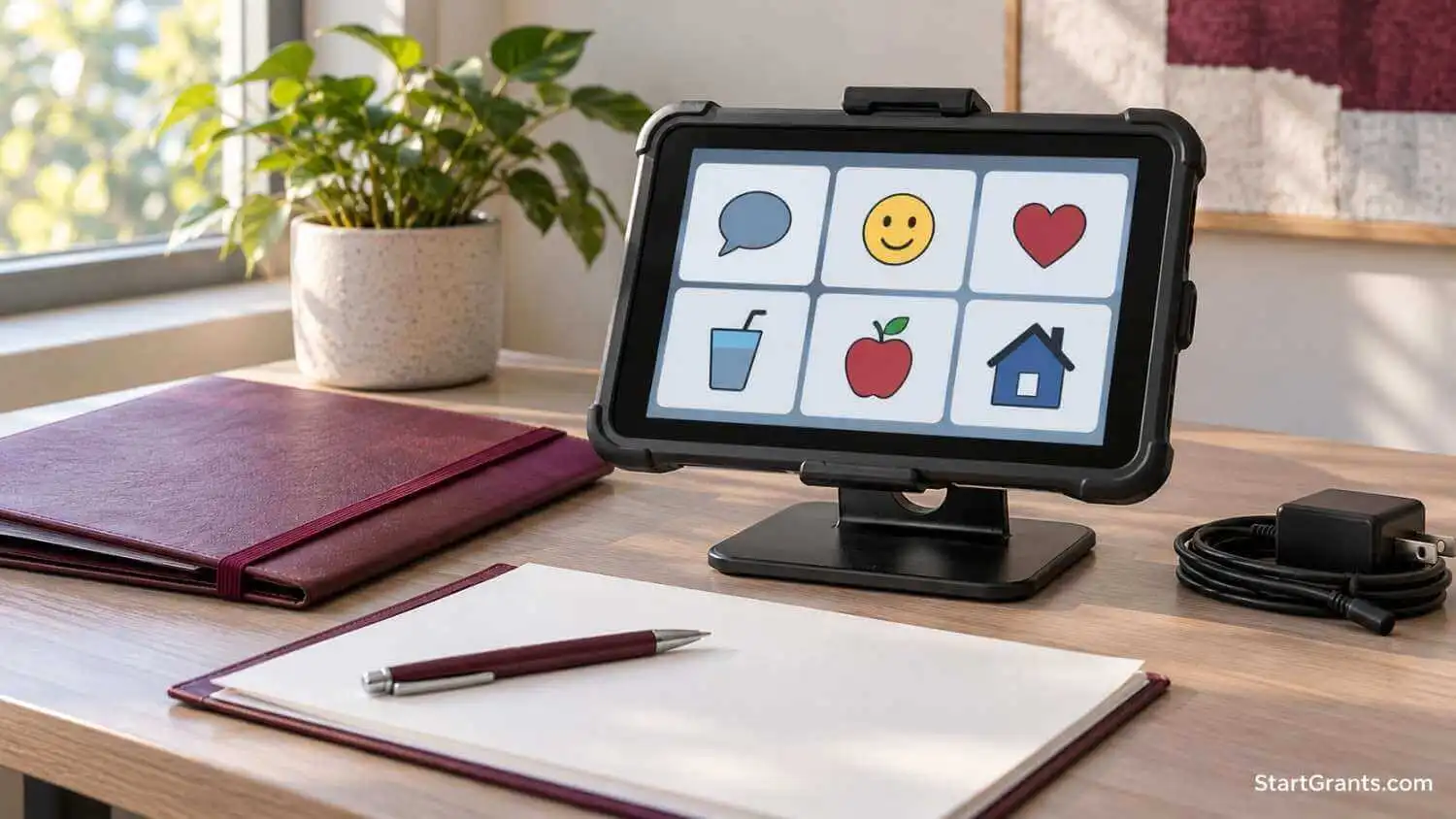
SSI, SSDI, and PASS: Keep Benefit Rules Separate
SSI is needs based. SSA’s 2026 resource guidance lists a $2,000 countable-resource limit for an individual and $3,000 for a couple, with exclusions. These are not limits on the total value of everything you own.
SSA specifically lists personal computers within household goods excluded from SSI resources. Receiving an ordinary computer for personal use is therefore different from receiving cash. Cash gifts may affect SSI income, and money retained into a later month may affect resources; see SSA’s SSI income rules. There is no universal 30-day safe period for donated cash.
SSDI has different eligibility rules from SSI; do not apply SSI’s resource limit to SSDI. If you receive both, or also receive Medicaid or other assistance, ask how each program treats the proposed help.
PASS Can Help With an Approved Work Goal
A Plan to Achieve Self-Support (PASS) lets eligible people set aside approved income or resources for expenses needed to reach a specific work goal. A necessary computer or assistive technology may fit an approved plan. PASS is not a separate grant, and approval is required.
Identify the work goal, expenses, costs, funding source, and timetable on Form SSA-545-BK. SSA’s PASS guidance explains that plan funding may come from income other than SSI payments or from assets. You do not need a PASS merely to own an otherwise excluded personal computer.
Your local Social Security office can help or connect you with a PASS specialist. A VR counselor or Work Incentives Planning and Assistance (WIPA) project may also help. The earlier instruction to avoid your local SSA office was incorrect.
Fundraising for Equipment: Help Hope Live and Benefit Planning
Help Hope Live provides nonprofit medical fundraising support, rather than an automatic computer grant. The nonprofit retains discretion over funds raised in a client’s honor and may pay or reimburse approved expenses under its guidelines. Ask whether your equipment and circumstances qualify before starting a campaign.
The provider states that this structure may help protect asset-based benefits but tells clients to check with their benefits office. It is not a blanket guarantee that every payment will be disregarded by SSI or Medicaid. Direct cash fundraising and reimbursements require particular care.
The published fees include a 3% administrative deduction for check donations and a total 5.65% fee for online donations; donors can choose to cover them. Confirm current fees, disbursement restrictions, and privacy arrangements. The community still needs to raise the money, and fundraising success is not guaranteed.
Help for Children, Students, and Basic Computer Needs
For a child with an IEP, ask the school team about assistive technology before assuming the family must fund it privately. IDEA’s assistive technology regulation requires devices or services when needed for the child’s special education, related services, or supplementary aids. School-purchased equipment may need to be available at home if the IEP team determines it is necessary for a free appropriate public education. This does not automatically transfer ownership to the family.
College students can ask disability services about accessible software and campus IT or the library about loaners. Our college laptop assistance guide covers those student-specific routes.
If you mainly need basic hardware, compare nonprofit computer donation and low-cost programs. For local reuse possibilities, see recycled laptop assistance options. Confirm operating-system support, battery condition, adaptive-software compatibility, and training before accepting a device.
A Muslim Perspective
A donated device, a temporary equipment loan, and a financial loan have different terms. Before using AT financing, review interest, fees, repayment, and ownership. If riba or contract terms concern you, ask a qualified scholar to review the actual agreement. A community donation, sadaqah fund, or properly documented qard hasan may be another option; disability alone does not establish zakat eligibility.
Describe your needs honestly and follow any equipment-use or return conditions as an amanah. Ask who will see medical records or fundraising photos, and share only what is necessary through the provider’s approved process.
Frequently Asked Questions
Does receiving disability benefits guarantee a free laptop?
No. SSI or SSDI may be relevant to a program’s eligibility review, but neither benefit creates a universal free-laptop entitlement. Each provider determines eligibility, device availability, and the type of assistance.
Can vocational rehabilitation buy a computer for me?
Possibly, if the equipment is necessary for an approved employment goal and the agency authorizes it through its individualized process. A particular model, a new computer, or reimbursement for an earlier purchase is not guaranteed.
Can someone with hearing loss alone qualify for iCanConnect?
No. iCanConnect requires significant combined hearing and vision loss that meets its criteria, along with income eligibility. Ask the local program about other communication resources if you do not meet both disability requirements.
Are Computers for the Blind computers free?
They are generally sold at reduced cost. Ask about current grants or discounts and the complete price. The included JAWS or ZoomText Home Annual license lasts one year and requires renewal for continued use.
Is there a free screen reader or voice-control option?
NVDA is a free screen reader for Windows. Windows 11 also includes voice access for supported voice-control tasks. These tools perform different functions, so test them with your required applications and access needs.
Will a donated computer count against my SSI resource limit?
SSA excludes personal computers used as household goods from SSI resources. Cash gifts, fundraising proceeds, and other benefits require separate review. Ask SSA or a benefits counselor how your specific arrangement should be reported.
Can a parent request adaptive technology for a child?
Yes, where the program permits it. A school IEP team may also need to address assistive technology for education. Eligibility, documentation, ownership, and permitted use depend on the program or school arrangement.
Do I need a private doctor to sign every application?
No universal rule applies. iCanConnect recognizes several qualified professionals, while other programs set different documentation requirements. Ask the provider which professionals and records it accepts before paying for an appointment.
Does Medicare or Medicaid pay for any laptop used for communication?
No. Coverage depends on the device, medical need, documentation, and applicable plan rules. Ordinary consumer hardware is different from qualifying speech-generating equipment or covered communication software.



I really could use a laptop.
we are working poor and needy from two decades in India ,Telangana state .this we are working for streetvendars at road side ,footwear and shoe repairers. these people sit at roadside a total day in sunshine,rains,cold seasons by taking shelter a big trees. Now government started road widening programme and cutting this trees. Now the people are helpless, pl. help for their rehabilitation.
thanks
G.RANGAREDDY
NAVODAYA SEVA SANGAM
How can I get a free laptop computer,I am Disabled with “OSTEOARTHRITIS”,in both I have asthma,have vision impairment, and some hearing difficulties.
I’d like to have a computer I’m on Social Security Disability so I can’t afford to buy one.
PLEASE I would really like to have one it will definitely give me more independence.
THANK YOU.
Sara Lee Wright
Pochahonis77@gmail.com
How can I get a free laptop computer,I am Disabled with “OSTEOARTHRITIS”,in both I have asthma,have vision impairment, and some hearing difficulties.
I’d like to have a computer I’m on Social Security Disability so I can’t afford to buy one.
PLEASE I would really like to have one it will definitely give me more independence.
THANK YOU.
Sara Lee Wright
Pochahonis77@gmail.com
SANFRANCISCO, California.
I am interested in a free computer for my disabled children to help them with there school work at home as they are death and domb it will help them with there learing