
Last Updated: | Author: Munir Ardi
Some low-income families can receive a donated computer, borrow a device, or buy a discounted refurbished laptop. There is no single nationwide free government laptops application form that guarantees a laptop. Apply directly to the school, local agency, or nonprofit running the device program. Lifeline is a separate phone and internet service discount; approval does not award a laptop.
If you need help now, ask your school or public library about temporary computer access while checking device programs. Tell the provider your ZIP code, who needs the computer, whether you can afford any purchase cost, and whether a desktop would work. A registration or waiting-list entry is not an approved award.
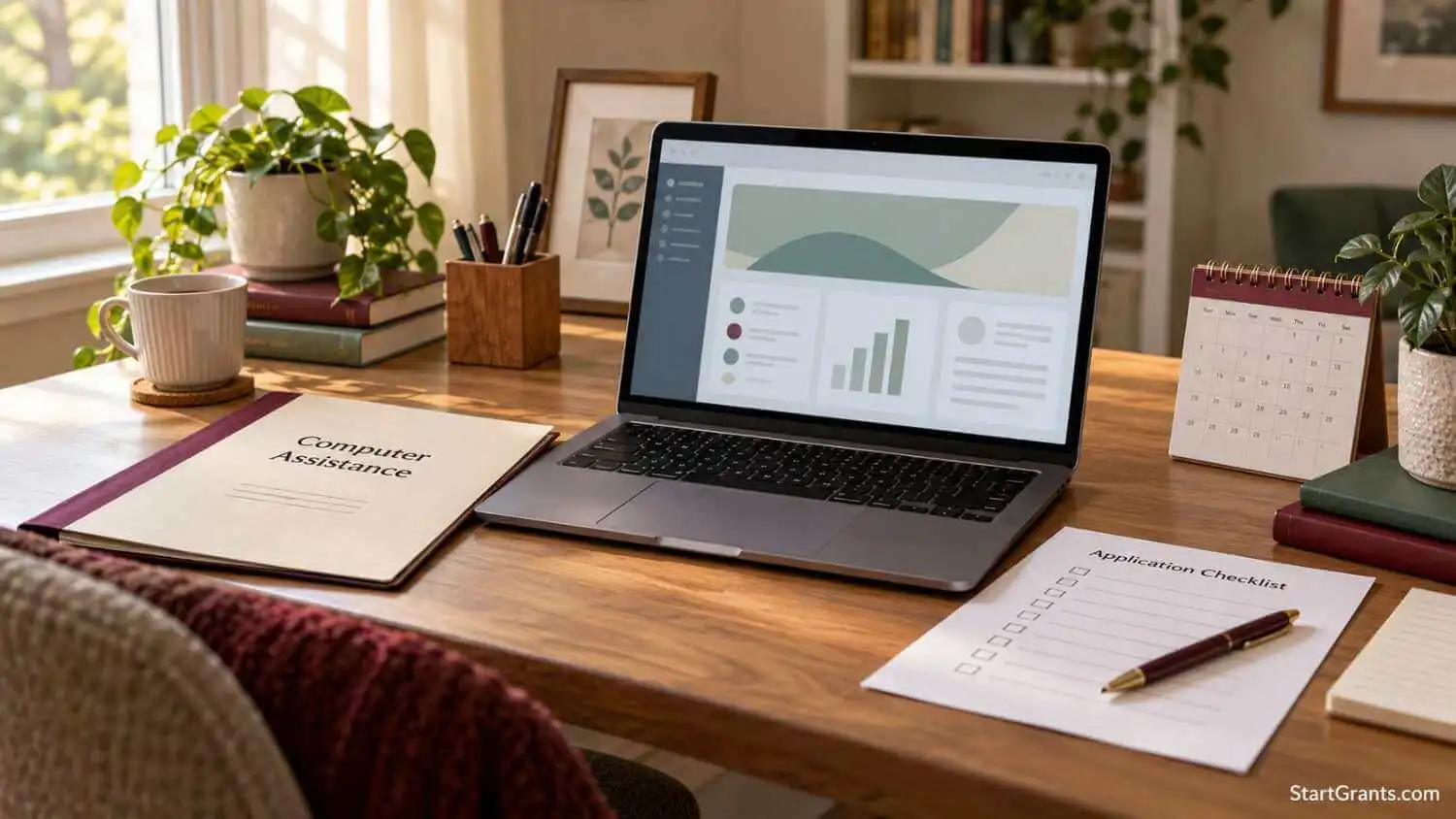
Where to Apply for a Free or Low-Cost Laptop
Start with the type of help you need. A donated device, a school loaner, a retail discount, and a monthly internet benefit have different application and ownership rules.
| Route | What it may provide | Where to start |
|---|---|---|
| Local device giveaway | A donated computer, subject to selection and stock | Official nonprofit or local program application |
| K–12 school or college | Loaner, campus access, or possible technology assistance | School IT, library, student support, or financial aid office |
| Nonprofit refurbished computer store | A lower-cost purchase; not necessarily a free laptop | Provider’s eligibility page and current catalog |
| Disability-related assistance | Equipment assessment, loan, or approved technology support | State vocational rehabilitation or assistive technology program |
| Lifeline | Discount on eligible phone or internet service | Official Lifeline application instructions |
| Student retail discount or financing | Reduced purchase price or payments over time | Retailer’s eligibility rules or written credit agreement |
Availability, costs, eligibility, and device ownership vary. Check the current program before applying. The sources and application routes below were reviewed October 15, 2026.
Device Programs: Check Free Options and Affordable Purchases
Compudopt: Local Computer Giveaways
Compudopt’s computer giveaway page lets applicants select a listed city or register interest in another location. Its stated eligibility concerns lacking a working home computer, excluding devices supplied by school or work. Recipients are selected randomly before distributions and receive pickup instructions if chosen.
Registration does not guarantee a computer or an immediate local event. Giveaways are limited to the continental United States. Check the current city instructions, pickup requirements, and available device type; do not assume nationwide shipping or a choice of laptop model.
PCs for People: Low-Cost Refurbished Computers
PCs for People’s current eligibility page generally uses an 80% area median income guideline or participation in an accepted assistance program. It requires photo identification and qualifying documentation, and says proof of citizenship is not required. This is primarily an affordable-purchase route, not a guaranteed free-device award.
Check the current catalog for the computer’s price, specifications, shipping, and included accessories. Its published warranty policy describes a one-year computer hardware warranty, with separate shorter terms for batteries and accessories and exclusions for user-caused problems. Confirm the terms for your exact order and store.
Human-I-T: Separate Eligibility for Discounted Technology
Human-I-T’s eligibility requirements list accepted assistance programs or household income at or below 200% of the federal poverty level. The page requests current documentation, generally dated within six months, and says pay stubs are not accepted. Most devices are low-cost rather than free.
Lifeline participation is one accepted qualifying route, but you do not have to obtain Lifeline approval first if another route applies. Human-I-T’s own device and connectivity offers have their own prices and terms. Check eligibility, coverage, and the complete checkout cost directly.
These organizations are examples, not a complete national directory. Our directory of nonprofit computer donation and low-cost programs explains additional routes, location restrictions, referrals, and application details.
Schools, Colleges, Disability Programs, and Reuse Options
School and College Computer Access
Parents can ask their child’s school about take-home devices, repairs, summer access, and whether a school-owned computer must be returned. College students can ask the library, IT desk, student support office, and financial aid office about loaners or emergency assistance. Student status does not exclude a household from unrelated nonprofit programs.
For the student-specific process, use our guide to free and loaner laptops for college. Ask about enrollment rules, deposits, loss or damage charges, required software, and return dates before accepting a loaner.
Education funding may also help with technology. The 2026–27 Federal Student Aid Handbook allows a reasonable computer allowance in a student’s cost of attendance. That budget allowance does not create a laptop grant, guarantee more gift aid, or establish a refund date. Ask whether the school has a technology award and whether its rules permit your purchase before spending.
Institutional technology grants are another category: a university may receive funding for equipment or infrastructure without giving individual students laptop checks. Confirm who is eligible to apply and who owns the purchased equipment.
For details on campus technology awards, scholarships with device benefits, and computer allowances in financial aid budgets, read our guide to technology grants for higher education. Check eligibility, covered expenses, and any approval required before purchasing.
Disability and Assistive Technology
If an ordinary laptop will not meet your needs, ask about an accessibility assessment before choosing equipment. State vocational rehabilitation services may consider technology needed for an approved employment plan; assistive technology programs may offer demonstrations or device loans. A disability diagnosis or SSI/SSDI payment does not automatically award a computer.
Our computer and assistive technology guide for people with disabilities covers these specialized routes. Confirm approval, software compatibility, ownership, and any return obligation before buying equipment expecting reimbursement.
Local Reuse and Donated Computers
Community reuse groups, authorized refurbishers, and local donation projects may offer working computers. Their criteria can differ from Lifeline’s, so being over the Lifeline income limit does not automatically rule out a device program. Availability may be limited to a neighborhood, service area, or pickup location.
Use our guide to finding recycled and donated laptops for this separate search. Obtain the owner’s permission, ask about data removal, and check the charger, battery, software support, and any organizational lock. Do not take equipment from a business disposal area without authorization.
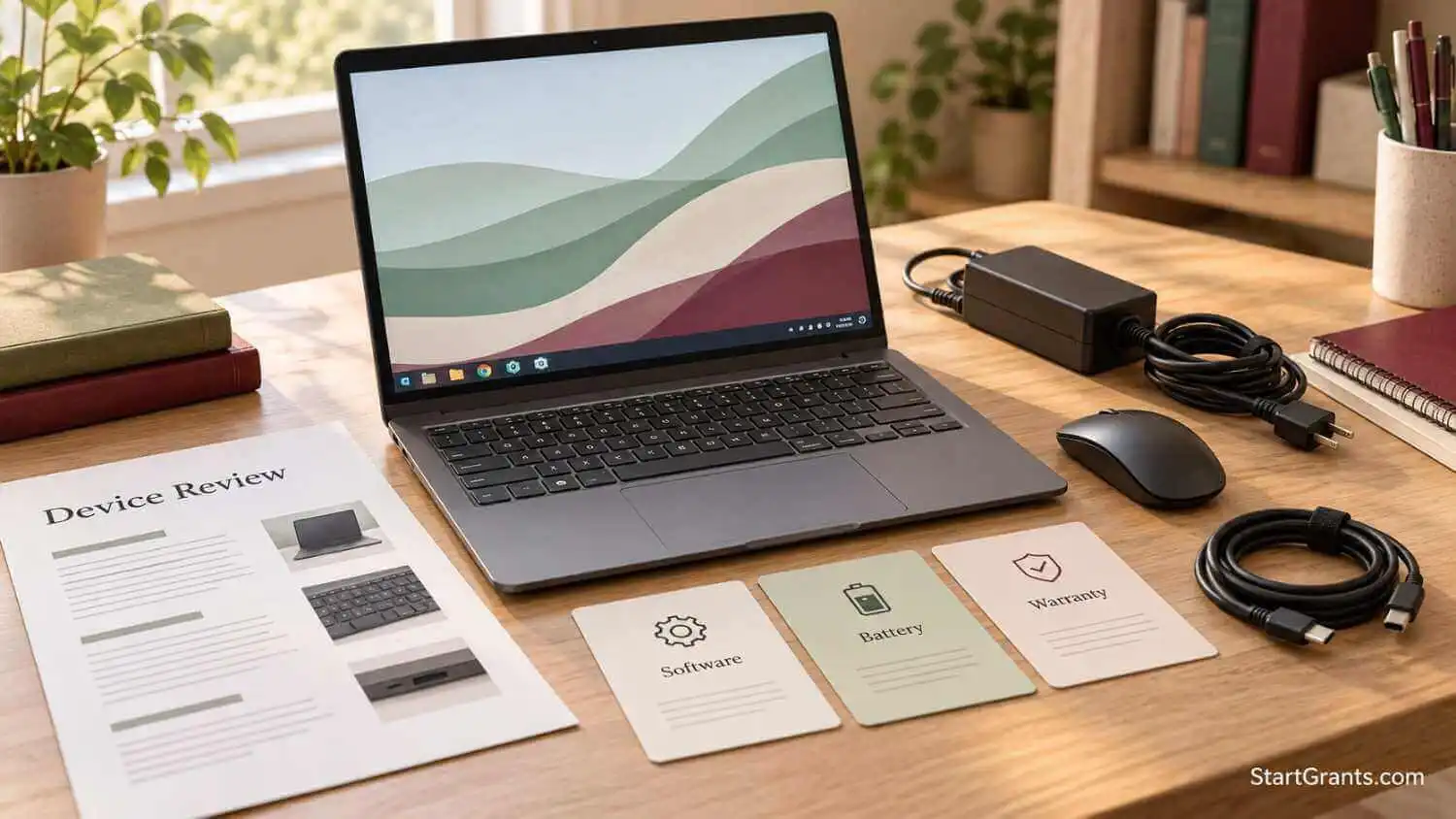
Lifeline Helps With Connectivity: Its Rules Are Separate
According to USAC’s Lifeline overview, qualifying consumers can receive up to $9.25 per month toward eligible phone, internet, or bundled service, or up to $34.25 on qualifying Tribal lands. The applicable amount and service offer vary. Lifeline is not a federal laptop-purchase benefit.
The Affordable Connectivity Program previously included a device discount, but ACP ended on June 1, 2024. Its former discount is not an open 2026 laptop application. Do not treat an old ACP advertisement as proof of current assistance.
Who Can Qualify for Lifeline?
The ordinary income route is household income at or below 135% of the federal poverty guidelines, with limits depending on household size and location. Qualifying participation includes SNAP, Medicaid, SSI, Federal Public Housing Assistance, and Veterans Pension and Survivors Benefit. Additional Tribal programs apply on qualifying Tribal lands. See the current Lifeline eligibility rules.
Medicare or SSDI alone is not a standard qualifying-program route, although another benefit or income eligibility may apply. Special emergency support rules also exist for qualifying survivors of domestic violence and related crimes; use the official eligibility page for those provisions.
Only one Lifeline discount is allowed per economic household. This does not limit every household to one computer. Separate households can sometimes share an address; USAC may require its Household Worksheet. Individual device programs can impose their own limits. Report changes that affect Lifeline eligibility to your company within 30 days and complete recertification when required.
How to Apply Online, Through a Company, or by Mail
- Start with the current instructions. Open USAC’s official Lifeline application page. It links to the online application and state-specific routes for Oregon and Texas. Avoid relying on a saved portal address or an old screenshot.
- Use the method that fits your circumstances. Apply online, ask a participating phone or internet company for help, or use the current paper application. The application is free.
- Submit accurate information and any requested evidence. Identity, address, income, benefit, or household verification may be needed. Follow the application’s instructions rather than submitting every sensitive document you own.
- For mailed applications, verify the address on the current form. The official page currently lists Lifeline Support Center, PO Box 1000, Horseheads, NY 14845. Send copies of supporting records, not originals.
- After approval, enroll with a participating company. Check coverage, the final monthly bill, data limits, equipment charges, and any activation or other costs. Approval alone does not activate service or order a laptop.
If Verification Fails or More Documents Are Requested
Read the notice to identify the problem: benefit verification, identity, address, or another household at the same location. Match names and dates to your records and ask support how to resolve a mismatch. Do not repeatedly submit conflicting applications.
USAC’s supporting-document guide explains acceptable evidence. A benefit document generally needs identifying information and a recent issue date or future expiration date. Income proof can include qualifying tax records or consecutive months of income documentation. These Lifeline rules are different from a nonprofit store’s document rules.
A shared address may require the official Household Worksheet. If you need assistance, the Lifeline Support Center number on the application page is (800) 234-9473. USAC also provides official application training resources; follow current written instructions if an older walkthrough looks different.
If a phone is your immediate need, our guide to Lifeline phone programs and device offers covers that related route. A provider’s promotional phone offer does not establish a federal entitlement to an iPhone or laptop.
Prepare a Computer Assistance Application
There is no universal document packet. First confirm the provider’s service area, current application status, and whether the offer is a giveaway, loan, or purchase. Ask about a waiting list and expected contact method; no organization can guarantee another program’s decision.
- Describe the need: Explain the tasks you cannot complete with your current equipment, such as homework, job applications, training, or video appointments.
- Identify essential specifications: Note required software, portability, internet access, a webcam, and accessibility tools. Separate essential requirements from a preferred brand.
- Provide only accepted documents: The program may request identification, benefit or income records, school enrollment, or a referral. A benefit card alone may not supply every required detail.
- Keep a record: Save the application, confirmation, stated costs, decision, and pickup or delivery instructions. Use a reachable email address and check for legitimate follow-up requests.
Example request: “Our household needs a working computer for school assignments and job applications. Our current device cannot run the required software. Please explain your eligibility rules, whether laptops are available, any purchase or shipping cost, and which documents you need.” Adapt this wording only to your actual circumstances.
If a program cannot help, ask about referrals or future distributions and consider a school loaner or library computer for urgent tasks. Avoid arranging payments around an unconfirmed award.
Check Device Quality, Ownership, and Total Cost
Before accepting, confirm the exact model and operating system, required software compatibility, charger, battery condition, webcam, warranty, return window, and repair arrangements. A Chromebook, Windows laptop, tablet, and desktop are not interchangeable for every class or job.
Security support matters. Microsoft ended standard Windows 10 support on October 14, 2025. If a seller offers Windows 10 hardware, ask about its specific ongoing security-update coverage or a supported alternative; a licensed operating system alone does not prove current support.
Add shipping, taxes, accessories, software, repairs, and any required internet subscription to the advertised price. Ask whether you own the device or must return it. A school loaner and a completed purchase have different terms; changes in income do not have one universal effect on every device program.
Eligible buyers comparing Apple equipment can use our Apple education discount guide. Education pricing is a retail discount, and promotional gift cards have separate dates and conditions.
If paying over time is unavoidable, compare the full repayment, fees, credit checks, and ownership terms in our student laptop financing guide. Financing creates payment obligations. The CFPB’s buy-now-pay-later explanation describes why fees and repayment affordability matter even when a plan advertises no interest.
Avoid Fake Laptop Applications and Protect Your Information
Verify the operator independently before uploading identity or benefit records. Legitimate nonprofits often use .org domains or outside application platforms, so a .gov-only rule is misleading. Start from the organization’s known official website and follow its application link.
The FTC warns about unsolicited government grant offers that request personal information or advance payments. Do not pay a stranger by gift card, cryptocurrency, or wire transfer to release a promised laptop. A disclosed purchase price at a verified nonprofit store is different from a fee demanded to unlock a supposed government award.
The FCC also warns about websites still collecting information for ACP enrollment. Check the program’s current status before supplying documents. Never share account passwords, banking login credentials, or unnecessary information about children. If you already shared sensitive information with a suspected scammer, follow the recovery steps linked by the FTC or FCC.
A Muslim Perspective
For households seeking to avoid riba, a donated computer, an approved loaner, savings, or a straightforward discounted purchase may reduce the need for interest-bearing credit. A qard hasan arrangement is still repayable; document the amount, schedule, ownership, and responsibilities. Ask a qualified Islamic finance scholar to review financing terms, including late fees or deferred interest, when religious guidance is needed.
Local sadaqah or community equipment support may be worth asking about, but neither availability nor zakat eligibility follows automatically from needing a laptop. Let the administering organization assess its criteria. Treat application records and borrowed equipment as an amanah: describe your circumstances honestly, protect household information, and return a loaner as agreed.
Save This Laptop Assistance Checklist
- [ ] Identify whether I need ownership, a temporary loaner, internet service, or both.
- [ ] Ask my school or library about immediate computer access.
- [ ] Verify the provider’s service area, application status, and selection rules.
- [ ] Check its own eligibility and document requirements.
- [ ] Confirm the exact device, supported software, charger, and battery.
- [ ] Add all purchase, delivery, subscription, and repair costs.
- [ ] Read ownership, return, warranty, and repayment terms.
- [ ] Apply for Lifeline separately if I need a qualifying service discount.
- [ ] Save confirmations and protect identity and benefit records.
Frequently Asked Questions
Where is the free government laptops application form?
There is no single nationwide form that guarantees a free laptop. Apply through the school, agency, or nonprofit offering a specific device program. The Lifeline application is for a phone or internet service discount.
Can SNAP, Medicaid, SSI, or SSDI help me qualify for a computer?
Some device programs accept these benefits as eligibility evidence, but their lists and documentation rules differ. SSI is a standard Lifeline qualifying program; SSDI alone is not. Neither benefit automatically awards a laptop.
Can I still apply for an ACP laptop discount?
No. ACP ended on June 1, 2024. Its former device discount is not an open application route. Check current school, nonprofit, and local device programs instead.
Does Lifeline approval guarantee a $10 or $50 laptop?
No. Lifeline approval does not award a laptop or set a nonprofit’s computer price. Verify the device provider’s current eligibility, inventory, price, and delivery terms before paying.
Can a household with several children receive more than one computer?
Possibly, depending on the device program. Lifeline’s one-discount-per-household rule concerns service, not a universal computer limit. Ask the school or provider how its own device limits apply.
Can I qualify for a computer without proof of U.S. citizenship?
Possibly. PCs for People states that proof of citizenship is not required, although identification and eligibility documentation are needed. Other providers have their own requirements; do not use one program’s rules to judge every option.
Will I have to return the laptop if my income increases?
It depends on the device agreement. A purchased computer, donated device, and school loaner have different ownership and return terms. Separately, notify your Lifeline company within 30 days if you no longer qualify for its service benefit.
What should I do if I need a computer before an application is approved?
Ask your school, college library, public library, or student support office about temporary access or a loaner. Availability varies. Do not rely on an unconfirmed award to meet a purchase deadline or credit payment.
Important disclaimer: StartGrants.com is an independent information portal, not a government agency, device provider, school, or lender. We do not accept assistance applications, award computers, or determine eligibility. Verify current availability, costs, privacy practices, and terms with the program operator. This article provides general information; consult an appropriate financial adviser or Islamic scholar when your financing decision requires individual guidance.



Good day I’m a singel mother of 4 and 6 months pregnant don’t got n job I just want to know about the laptop that u give for poepel then I can work from home and seport my children please tell me I can also resive one I’m from South Afrika north west potchefstroom thanks for you’re time. Angelique coetzer
I WANT TO TAKE A FREE LAPTOP.
I need a laptop help…
Please help me to get a laptop…
hi, i am disable, a vet no benifits, no medicare , amputaded left leg and right toe, 2 strokes, cabbage heart, in dialisis. Need your help please
Hello. I am a grad student with all but no income. The laptop I have now is going out, and I will probably loose all my research. Can anyone help. I’m getting my graduate degree in education, so I not only need a laptop for all the work I have to do online and in research; I also need to be able to gain to instruct students. I will pay it forward after I graduate— education is after all extremely important for all kids and adult learners. Please HELP! Thanks
i NEED A LAPTOP OR A COMPUTER SYSTEM IM IN A REHAB CENTER AND DONT HAVE ANY THING YET SO A LAPTOP CAN HELP FIND RESORCES HOUSING,JOB,COMPANION,EVERYTHING IM TRYING TO GET MY LIFE ON THE RIGHT TRACK RECONNECT WITH FAMILY THAT ARE ALL OVER THE STATES SO PLEASE HELP ME OUT THANCKS YOU VEARY MUCH (22 MONTHS CLEAN)
We need a laptop or computer real bad my children learn and do work on the internet
We need a laptop for children and adult purposes maybe we could money and the children could work on getting used to the internet
I WOULD LIKE A LAPTOP COMPUTER BUT JUST CANT GET ONE HAS MONEY FOR RENT-FOOD AND BILLS AND DONT HAVE NO MORE MONEY FOR OTHER THINGS WE MAY NEED BUT CANT BUY WE HAVE JUST A ENOUTH TO LIVE ON AND NO MORE
cant buy one
I would love to have a laptop to look for work I am 5 months pregnant and on low income.
I need a tablet or labtop for school i go ctu online
sir
I went a free laptop.class-B.A fast year.west bangal.my father a poor man
Hello I just started Everett community college online. Having to use a cellphone or borrowing a friends computer for college is difficult. I need my own computer for college. Husband is the only one with income and after all bills and such comes out we hardly have anything left for anything else. Really need one. Thanks.
i need a laptop so please help me sir
sir,
I want to free loptop .I am tribel student from Kerala .I need for study pls help me
I need to laptop
I Wan a free laptop for daily use I don’t have money to buy lowinconesenior.
Thankyou
plz i want computer eny one donated me
I want one laptop
I would like a free laptop please to help with school home work please would be very grateful
hello i request for a laptop am doing electrical enginerring for my researches
I need a computer for study
i need a laptop for studing
i had about free laptops/computers from the government for students and i thought i should try my luck.
great work
I am needing a free laptop as i can’t speak due to a stroke and I have a messed up hand where I can’t write. Im needing help to get me one. As u can call my husband Bobby joe Watkins to speak to him. Thank you very much.
8125287668
In the need of a lab top I cant afford one please help iam on disability cant really go out alone to use one in the library thank you :)
I need a laptop for my education…i am from kerala…pls help..
my computer corse admission free gov ki taraf se karna chhata hu sir plz city Faridabad lives ballabgarh
I would love a free laptop or computer so I can go to school on line cause I can’t afford a car to drive 45 mints to the big city to go to school pulse I have a kid I would love help
I have been out of work since February 15, 2016. I severely injured my back and because of the economy where I live it is near impossible to find a job. I cannot sit in a chair for more than 15 minutes with out chronic pain. I need a laptop so I can lay on the sofa. I want to get a degree and if at all possible work from home. Please help!
Im a pregnant woman who will be working from home for a while and will be doing school from home I would love it I can would be pick for a free laptop.i will be a stay at home mom for three boys. And I want to better my self while I’m home taking care of my family. So please and thank you
I need an used laptop computer. I am from Malawi (Africa), and i come from a poor family. I need it as a start pack for small business. Please help!
I want to learn freelancing.but I need leptop or computer.and I don’t have lot of money in my family.i earning money from teaching about 3000 monthly.
I am reading still now in college.so plz help me.
I want to learn freelancing .but I don’t have a lot if money to buy leptop or computer.and my family is very poor and I take care my family by teaching .so plz help me sir
I am from Bangladesh.i want to learn frelancing.but I don’t have a lot of money to by leptop or computer.our family carrying by my teaching money .so plz help me sir
I am from Bangladesh .i want to learn frelancing.but I don’t have log or money to buy leptop.my family carrying by my teaching money.we are very poor.i have a goal.but how can I reach there.so there need more money.so plz help me sir.
its uery hard for me getting started on the free laptop offer. tge pages keep gioin away when i push submit
My Name is khayelihle from PMB (south Africa) i am a student for North West University. Eish i am looking for a sponsor who will sponsor me with a laptop. i am doing a B.ed senior and FET, my majors are CAT,MATHS and Business studies.
I’m a single parent n need a lap top to further my education I can’t afford one but I’m doing everything on my own I have two kids.i wanna better myself not just for me but for me kids I want them to see that u can go to school n be whatever u wanna be.n see that education is the number 1key to life please help me with a laptop.
I have a 12 yearold with learning disabilty.I had to to pull her from puplic school,because of the teasing she suffered from other students.She is starting to learn to read.It is just her and I we are both on SSI and money is a issue a laptop would help her tremendously with her learning
What’s up,I read your blog named “Free Government Laptops for Low Income Families” regularly.Your writing style is witty, keep it up! And you can look our website about love spell.
I will be starting school in a couple months this computer will be such a blessing
I need a help by getting laptop because my studies need me work with laptop every time
I really need a free laptop for my kids work and I want to start work from Nome but I keep using my phone data and that’s not working and,my kids have homework to do and we using my phone please help me I am a low single mother trying to do all I can for my kids
lock wants laptop for my high school.I live in Ethiopia.please help me…..
I need to college Free laptop for me. I need for my artwork and my job part time. 6162721357.
Hello
My name is Hicham Ejrhili Im froom Morocco Im 26 years I study the composition of a professional accounting wire Send you my request for this gift of a simple gift of a computer to review and bring
I do not have money to buy a new device that made me send you this message. I would be very happy to meet my request. I hope you can accept my application and send me a new or used computer.
My Personal Information:
Name & Username : Hicham Ejrhili
Street : Hay Al maghreb Al arabi secteur 1 N°44
City : temara
Zip : 12000
Contry : Morocco
Have a good day
Hi there
Am A disabled person looking for service affordable inter service is there any way you guys can reach out to me at 813-469-6478 thank you
My name is Joseph braden I’m 33 and my college doesn’t give their students laptops and I’m not able to work at all right now and I really need a laptop I can’t use a phone to submit all my documents for class and no money to afford a laptop
I’m not working at all I’m currently in criminal justice at south University I can’t afford a laptop to do my work and I can’t far to the library because of my heart and breathing I need help getting one and I have seizures also
I would like to get a laptop for my boy I can’t afford one because I am on disability he would be happy if he did thank you
please help me i am master student in MBA but it is difficult to write my Thais
I live in the Netherlands as a refugee and I do not have the money to buy a laptop and I need him to study the language and look for work … I lost everything because of the war in my country Syria .. I hope you help and thank you.